

Female warehouse worker using a laptop to manage ERP operations

To Customise or Not to Customise: Making the Right Choice for your ERP System

Female warehouse worker using a laptop to manage ERP operations

Selecting an ERP system is a major milestone for any organisation, but the real uncertainty often begins when the topic of customisation comes up. Because there’s no universal solution that fits every business perfectly, success tends to come from striking the right balance between adaptability and keeping things straightforward.

In this article, we look at when ERP customisation genuinely adds value, and how to approach it in a way that supports your current operations while still leaving room for future growth.

Understanding your core ERP system’s strengths

Cloud ERP platforms are designed to unify essential business processes within a single system. Solutions like NetSuite bring together financial management, CRM, inventory control, procurement, and reporting into one connected environment, giving businesses a clearer, more consistent view of operations.

A key advantage of modern ERP systems is their built-in flexibility. They’re built with growth in mind, meaning they can evolve as your processes and organisational needs change. For many businesses, the standard functionality already covers a wide range of requirements without needing major adjustments.

With NetSuite, the cloud-based model also means users benefit from biannual automatic updates. These updates introduce new features, performance enhancements, and security improvements without disruption or heavy technical effort. As a result, businesses continue to benefit from innovation regardless of how their system is configured.

That said, every organisation operates differently, which is where customisation becomes a relevant consideration.

Where customisation adds value

From working with NetSuite implementations, we’ve seen that customisation can be highly effective when a business has specific operational needs that go beyond what’s available out of the box. When applied thoughtfully, it can improve efficiency and better align the system with day-to-day workflows.

Common areas where it delivers real value include:

Tailored processes

Customisation allows the system to reflect how your business actually works. From adapting approval flows to creating new modules, you can shape the ERP around your processes rather than adjusting your operations to fit the software.

More relevant reporting and insights

A tailored setup can improve the quality of decision-making data. Dashboards, reports, and data structures can be adjusted to focus on what matters most to your business.

Greater operational efficiency

When systems align closely with real workflows, teams spend less time finding workarounds. This helps reduce manual effort and supports smoother day-to-day operations.

Reduced reliance on multiple tools

A well-configured NetSuite environment can reduce the need for separate, disconnected systems, helping to consolidate tools and potentially reduce overall software costs.

The customisation balancing act

Historically, ERP customisation has been a double-edged sword. While it allowed businesses to tailor systems to their needs, it also led many to create overly complex environments that were difficult to maintain and expensive to upgrade. This often resulted in what’s known as “technical debt,” which can still cause challenges today if systems are customised too heavily too soon.

However, avoiding customisation altogether isn’t always the answer either. Forcing unique business processes into rigid standard structures can lead teams back to spreadsheets, manual processes, or disconnected tools, undermining the purpose of an ERP system in the first place.

When should you customise?

As with all ERP project implementations, the key is to identify the level of flexibility your business truly needs, both now and in the future. It’s not about choosing between fully standard or fully customised systems, but about finding the right middle ground that keeps operations efficient without unnecessary complexity.

A practical approach usually looks like this:

  • Begin by exploring what the ERP system already offers out of the box
  • Identify real gaps that impact performance, efficiency, or visibility
  • Apply targeted customisation only where there is clear, measurable value
  • Avoid adding complexity that could create long-term maintenance challenges

Because NetSuite is built as a scalable cloud ERP platform, it supports this incremental approach. Businesses can evolve their systems over time, adding enhancements as requirements change without compromising the stability of the core platform.

Just as importantly, NetSuite’s regular update cycle ensures that even customised environments continue to benefit from ongoing innovation, keeping the system aligned with modern capabilities.

Making the right decision for your business

There’s no single approach to ERP customisation that works for everyone. Some businesses will find that standard functionality meets most of their needs, while others will benefit from a more tailored configuration to unlock greater efficiency and insight.

What matters most is taking a considered, strategic view. Rather than defaulting to full customisation or avoiding it completely, focus on building a system that reflects how your business operates today, while remaining flexible enough to evolve over time.

When handled carefully, customisation can enhance an ERP system without adding unnecessary complexity, helping businesses get more value from their investment over the long term.

If you’re exploring NetSuite or reviewing your current ERP setup, taking a closer look at where customisation genuinely adds value can make a real difference, both at implementation and as your business grows. Reach out to our experts today. 

About the Author

Picture of Brian Doherty

Brian Doherty

Brian is an experienced Solution Consultant with deep expertise in the ERP software industry, having worked with NetSuite solutions since 2013. Prior to that, he supported and implemented Sage finance and ERP systems. Over the years, Brian has successfully project managed, implemented, and supported NetSuite across a range of industries. He brings a strong focus to business process analysis, working closely with customers to align solutions with their specific needs and objectives.
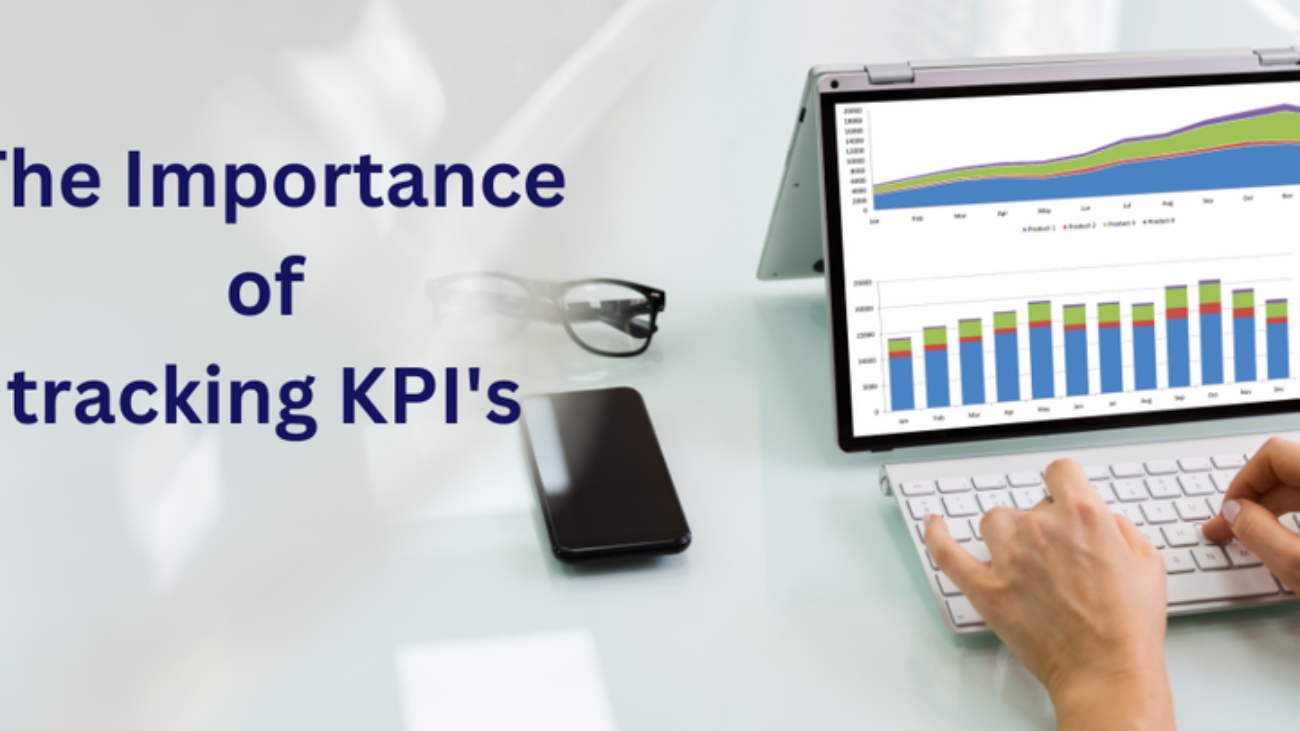
Tracking Key Performance Indicators (KPIs) for Business Success

The Importance of Tracking KPI’s

Tracking Key Performance Indicators (KPIs) for Business Success

We run our business based on a core set of KPI’s relevant to our business and our industry. The value of being able to spot deviations at a glance and be able to tweak as we go means that there are no big shocks, just some small bumps that need smoothing out every now and then. Staying on track is so much easier to achieve when there is a track to follow in the first place.

Before we get deeper into this topic, let’s first of all take a look at what KPIs actually are. KPIs, or Key Performance Indicators, are performance measurements that allow businesses to track the progress of their goals and objectives. These indicators are hugely beneficial as they are used to assess the effectiveness of strategies, operations and performance.

Understanding and tracking KPIs is key to not just meeting objectives, but business growth as a whole and the more you can learn about the success of your current operations, the better a position you will be in to drive your business forward. Making data-driven decisions without KPI data can be time-consuming and complex.

Below we have shared our thoughts on KPIs and have listed some widely used KPIs that are worth tracking, regardless of what industry you operate in.

Why should businesses track KPIs?

KPIs are more than just numbers, they’re an invaluable insight into how well your business is performing and they can provide you with an accurate snapshot into various aspects of your operations. By tracking KPIs, you can better understand your strengths and weaknesses, measure progress and make any necessary adjustments to stay competitive. Having a core set of KPIs to identify areas for improvement can help you to make better changes to day-to-day operations and ensure your business stays on track.

As well as analysing your own performance, KPIs are a great way to compare your business against your competitors and industry standards, helping you to make better and more informed strategic decisions to help you stay one step ahead.

What can KPIs be used for?

There are many different types of KPIs and they can all be useful for different reasons. Most commonly, KPIs are used to monitor the following:

  1. Performance: Financial & Operational
  2. Satisfaction: Customer & Employee

Every business has a different way of operating, so the KPIs you should track will be dependent on your overall business goals as well as the goals of different departments, teams and employees KPIs can also change over time, usually as your business objectives change and they can help you to determine whether you’re achieving your current goals.

We would suggest that it’s good practice to track both high-level KPIs that focus on overall performance and lower-level KPIs that focus on individual departments. Similarly, you should also track both leading and lagging KPIs, so you’re reflecting on past results as well as predicting future results.

How do you track KPIs?

Spreadsheets are great for so many things but tracking KPIs is not one of them. They can be time-consuming and prone to errors. It’s much easier to use tried-and-tested ERP software, especially as your business grows and you have more complex KPIs to track. Solutions such as NetSuite can provide you with all of the key data you need to calculate and track KPIs. KPI dashboards can be easily set up to present you with the information you require in real-time.

The integrated reporting and analytics capabilities within systems such as NetSuite make it easy to track KPIs and reporting will be more streamlined. You can even set up regular reports that provide you with the up-to-date data you need, so it couldn’t be easier to measure success.

Which KPIs should businesses be tracking?

While KPIs will be business or industry specific, here are a few KPIs that are relevant to most businesses.

It’s recommended that businesses track financial KPIs, such as; ‘operating profit margin’ which shows the percentage of profit you make from operations and ‘budget Vs actual’ which compares your actual spend against budgeted amounts. Some operation KPIs are also incredibly useful, such as; ‘sell-through rate’ which compares the inventory sold to the amount of inventory ordered from a manufacturer and ‘perfect order rate’ which measures how many orders are shipped without issues like damage, inaccuracies or delays.

Using NetSuite solutions to track KPIs

If you’re interested in finding out more about how NetSuite solutions can make it easier for you to track important KPIs, get in touch with our team at OSSM today. We have many years of experience helping our customers implement NetSuite software into their business operations and we provide solutions that completely transform what they do and how they do it. NetSuite’s SuiteSuccess software includes a bundle of pre-built industry-specific KPI’s built on best practices that can help set you off on the right track, quickly.

As an experienced NetSuite Partner in Ireland, we match our team and their expert skill sets to our customers’ needs and we provide tailored advice to help them overcome challenges. We’ve a huge amount of experience in the Manufacturing, Services, Distribution and Field Service sectors and we can provide you with a flexible and scalable NetSuite solution that helps you to track crucial KPIs and remain competitive in today’s fast-paced world.

To get a full list of the 20 most widely used KPIs that every growing business should track, download the NetSuite business guide below.

Nake or Break Metrics
Improving Safety And Compliance With Field Service Management Software

Using NetSuite To Keep Tighter Control Of Project Costs

Improving Safety And Compliance With Field Service Management Software

To run projects efficiently, you need to ensure your costs and revenue data are working in harmony. Centralising data and having real-time project and financial performance metrics can be undeniably beneficial, and it can help you to keep track of all project costs. NetSuite solutions, such as NetSuite SuiteProjects, can assist you with both project management and revenue management, providing you with a centralised solution where you can effectively capture costs and automate billing processes.

Below we have explored how project-based organisations can use NetSuite to keep tighter control on project costs from the moment an opportunity is identified, through to its final delivery.

What is revenue recognition?

Revenue recognition means the revenue of a business is realised/recognised when a service or product has been delivered to the customer, not just when an invoice is paid, or payment is received. Revenue recognition differs from cash flow and just because money is in your bank doesn’t mean that it can be recognised. The project may be cancelled, or a refund may be demanded, for example, resulting in the money being removed from your bank.

NetSuite Revenue Management makes it easy for businesses to keep on top of revenue by automating complex revenue calculations and supporting multiple revenue scenarios on a project-by-project basis. This NetSuite software solution prevents you from having to use spreadsheets to manage project costs and NetSuite Revenue Management brings efficiency, flexibility, and intelligence to all of your projects, without the needs for spreadsheets.

How can NetSuite help you keep track of project costs?

The right software can transform how you run your projects, ensuring they are smooth, efficient, and profitable. Not only can you use NetSuite’s cloud-based solutions to track your projects from beginning to end, but you can manage all your projects from the one central system for added convenience.

NetSuite SuiteProjects offers extensive functionality, eliminating manual entry, multiple systems, and costly integrations. This cost-effective solution helps to improve cash flow and eliminate revenue leakage on long-term projects, and it is an unrivalled choice for project-based organisations. There are several key features within NetSuite SuiteProjects that can help you to keep tighter control of project costs and this particular software can be used to simplify the complexities of both project management and revenue management.

NetSuite Revenue Management helps to ensure revenue is accounted for correctly and you can schedule revenue to be recognised at the appropriate time automatically. Based on real-time business events, real-time billings and revenue data, it also provides flexible forecasting to accommodate revenue projection updates. Not to mention, it supports multi-currency transactions, ensuring fluctuations in exchange rates are appropriately accounted for.

In addition to this, NetSuite Project Management allows for automated project creation, tracking and reporting, removing the hassle associated with staying organised and keeping track of projects. This software enables project managers and team members to collaborate on projects too, and you can empower employees by giving them access to the employee centre. By using NetSuite Project Management, you can even maintain an accurate project status at all times, which can be invaluable when it comes to proactively identifying and resolving potential issues.

Other features, from Resource Management and Time and Expense Management to Project Accounting and Reporting and Analytics, can also have a significant impact on the day-to-day business processes of project-based organisations. With NetSuite SuiteProjects, you will gain complete visibility into and control over your entire bid-to-bill process whether you’re operating locally or on a global scale, giving you a new level of efficiency in what you do and how.

Speaking to a NetSuite solutions partner

All in all, NetSuite solutions can be incredibly beneficial for managing project costs and keeping track of profitability. If you run a project-based organisation and you’d like to find out more about integrating NetSuite SuiteProjects into your way of working, don’t hesitate to contact our team of specialists at OSSM. As a leading NetSuite solutions partner, we can help you to make the most of this end-to-end cloud-based solution and we have experience assisting an array of companies, across a vast range of industries.

We believe in working in partnership with our clients, enabling us to recommend the most suitable NetSuite products and integrated apps for their problems and needs. The solutions we implement can completely transform business operations and our highly skilled team of support consultants will be happy to have a no-obligation chat with you to see what we can do for your organisation. There is no better NetSuite solutions partner to turn to.

Book a NetSuite Demo:

Click here to book a short, 30-minute demo of NetSuite, where we will show you the benefits that this solution can bring to your business.

Book a Demo