OSSM NetSuite Masterclass Series
Expert-led sessions designed to help you get the most from NetSuite ERP – from dashboards and CRM to inventory, WMS, budgets and analytics.
Register For Our Upcoming Masterclass
Previous Masterclasses & Recordings
Here’s a recap of some of our Masterclasses that took place in 2025:
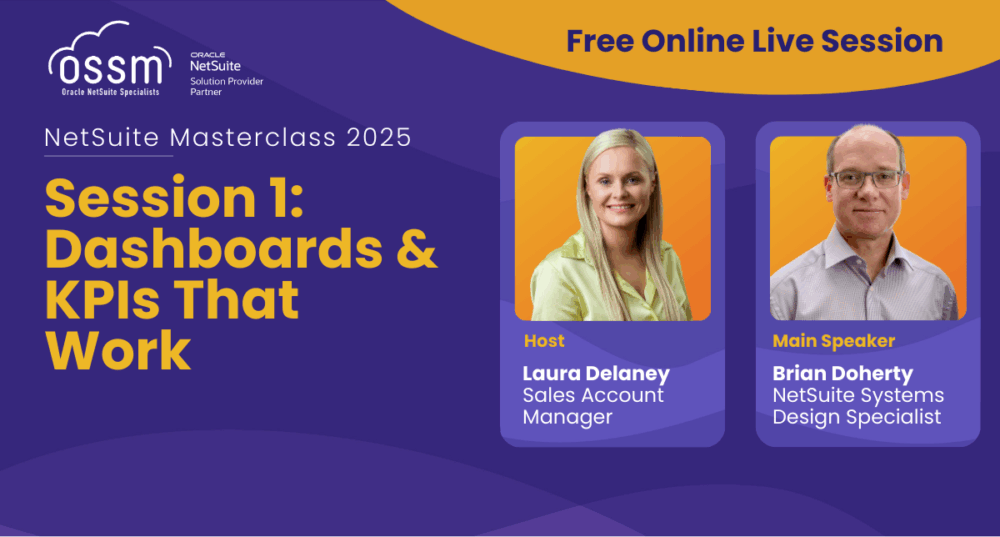
Session 1 – NetSuite Dashboards & KPIs
This was the opening session of the OSSM NetSuite Masterclass 2025, where our experts showed how to unlock real-time visibility with role-based dashboards, saved searches and KPIs. Attendees discovered how finance teams and operations managers can track performance in a single source of truth.
If you missed it live, don’t worry – simply fill in the form to access the session recording and exclusive guidebook
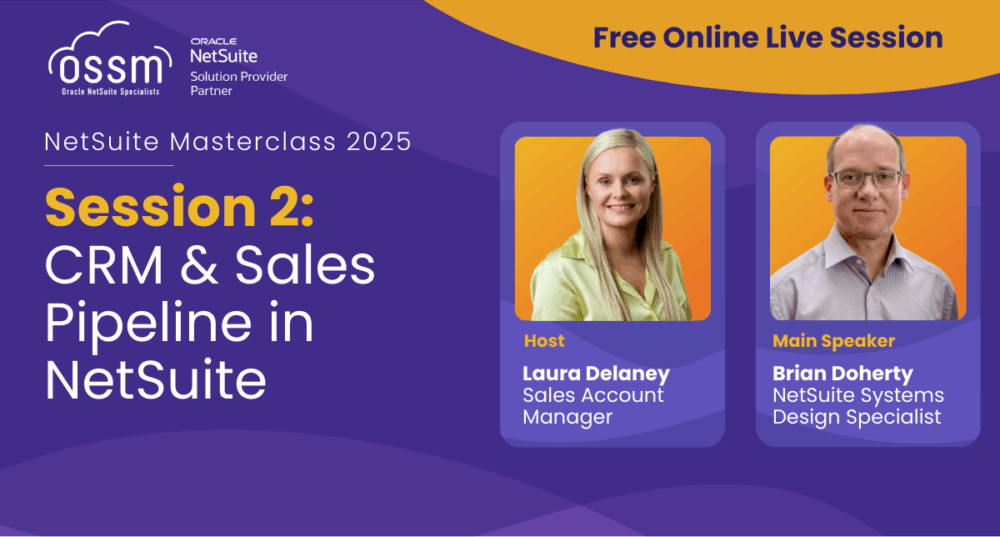
Session 2 – NetSuite CRM & Sales Pipeline
In Session 2, we shifted focus to the sales cycle – exploring how NetSuite CRM manages contacts, opportunities, pipeline and forecasts. This practical walkthrough showed how sales and finance teams can align on one version of the truth to boost accuracy and visibility.
Didn’t make it to the live event? Fill in the form below to download the guidebook and watch the full recording.
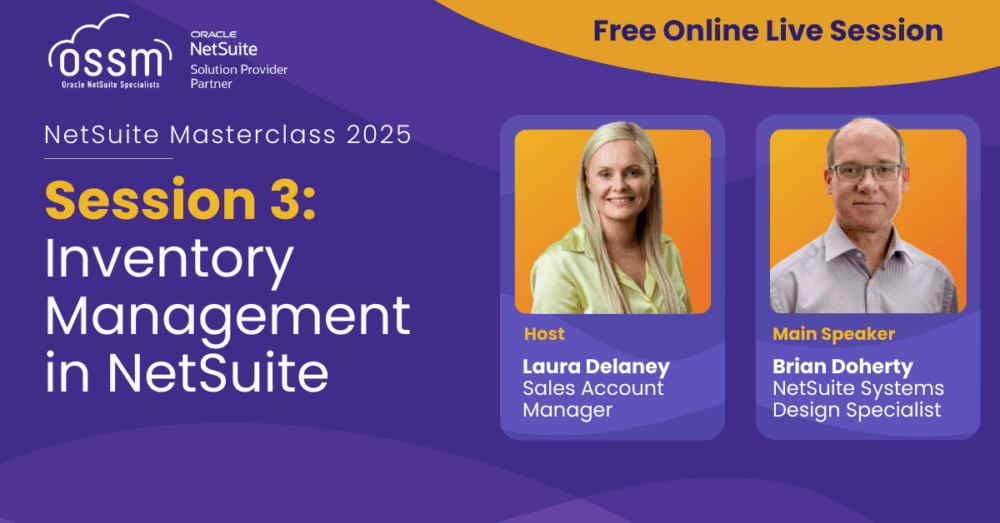
Session 3 – NetSuite Inventory Management
Building on CRM, Session 3 focused on stock control, covering dashboards, manual and WMS stock takes, importing items, adjustments, traceability and GL postings. Participants also saw the Item 360 dashboard and reporting tools in action, designed to give finance and operations a clear view of stock movements.
Complete the form to get the guidebook and recording for this session.
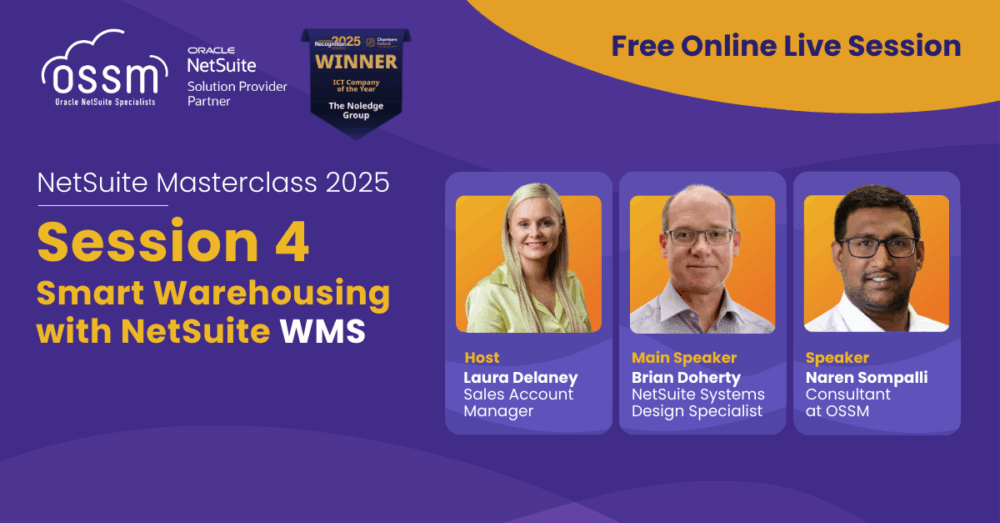
Session 4 – Smart Warehousing with NetSuite WMS
This expert-led session was a natural follow-up to Session 3, building on the tools and tactics around inventory visibility and control. In just one hour, attendees learnt how to manage fulfilment workflows, roll out mobile scanning, set up bin locations, and improve stock movements in real time.
Missed it live? Fill in the form to access the guidebook and watch the recording today.
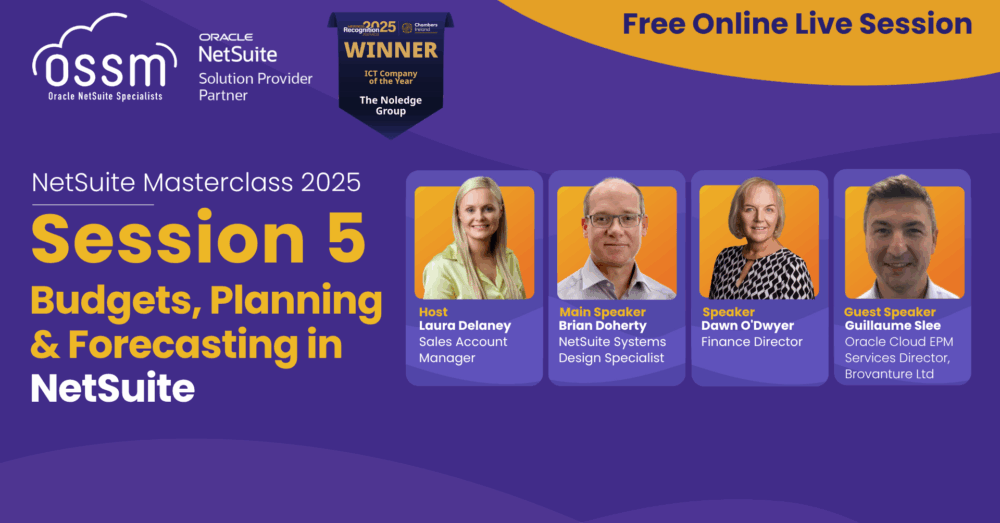
Session 5 – Budgets, Planning & Forecasting in NetSuite
The 60-minute Masterclass focused on managing budgets, planning, and forecasts directly in NetSuite. It demonstrated how to build budgets, report on variances, and explored NetSuite Planning & Budgeting (NSPB) for advanced forecasting and modelling beyond spreadsheets. The session was designed for finance leaders and FP&A teams seeking greater control over their planning processes.
Complete the form to receive early access to the Budgets, Planning & Forecasting Guidebook and a free 30-minute consultation with an OSSM NetSuite expert.
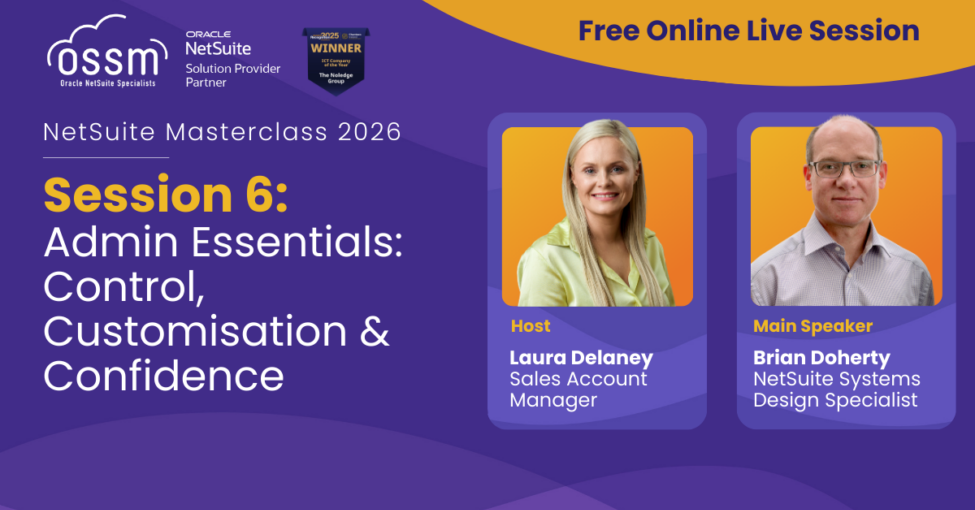
Session 6 – Admin Essentials: Control, Customisation & Confidence
This Masterclass focused on helping NetSuite system administrators and operations teams strengthen control within their NetSuite environment. The session explored best practices for managing users, roles, and permissions, demonstrating how effective access controls can support stronger security. It also covered how to monitor system performance, and use NetSuite’s core customisation tools.
Access the session recording, and download the System Administration Guidebook below.
2026 Upcoming NetSuite Masterclasses
Stay tuned for our upcoming Masterclasses in 2026:

Session 7 – NetSuite Project Management: Visibility & Control
This 60-minute Masterclass shows how to manage projects in NetSuite – from setup and task management to tracking time, resources and budgets with real-time visibility. You’ll also see best practices to improve scheduling accuracy, monitor profitability and keep projects on track from start to finish.
Session 8 – Reporting, Analytics
& AI in NetSuite
The final session in the OSSM NetSuite Masterclass series brings it all together with reporting and analytics.
You’ll learn how to build saved searches, use SuiteAnalytics, track KPIs, and harness AI-driven insights for better decision making.
Frequently Asked Questions
Browse our extensive list of frequently asked questions to find solutions and insights related to our products, services, and more.
A NetSuite Masterclass is a structured, expert-led training session designed to help users get more value from NetSuite ERP. Each session focuses on practical, real-world processes including dashboards, reporting, workflows, inventory, CRM, budgeting, analytics and more.
Masterclasses are built around live demonstrations, applied examples and best practices that you can immediately implement in your organisation.
NetSuite Masterclasses are ideal for system administrators, finance teams, operations managers, project managers and anyone responsible for managing or optimising NetSuite within their business.
Whether you’re looking to improve reporting, tighten inventory controls or gain better financial visibility, these sessions are designed to support real operational needs.
The OSSM NetSuite Masterclass series covers a wide range of practical ERP topics, including:
- Dashboards and KPIs
- CRM and sales pipeline management
- Inventory management and WMS
- Budgets, planning and forecasting
- Project management visibility
- Reporting, analytics and AI in NetSuite
Each session is focused on helping you improve performance, visibility and control across your NetSuite environment.
Attending a Masterclass helps you:
- Gain a deeper understanding of NetSuite functionality
- Learn best practices based on real implementations
- Improve efficiency in daily ERP processes
- Reduce manual errors and save time
- Stay up to date with new tools, including analytics and embedded AI
The goal is simple: help you maximise your NetSuite investment.
Yes. If you missed a live session, you can watch the recording and download the supporting guidebook by completing the form on the Masterclass Hub page.
This allows you to learn at your own pace and still benefit from the full session content.
The sessions are delivered by OSSM NetSuite experts with hands-on implementation experience across finance, operations and project-driven organisations.
Many Masterclasses also provide opportunities for follow-up discussions or 1-to-1 consultations if you require tailored support after the session.